
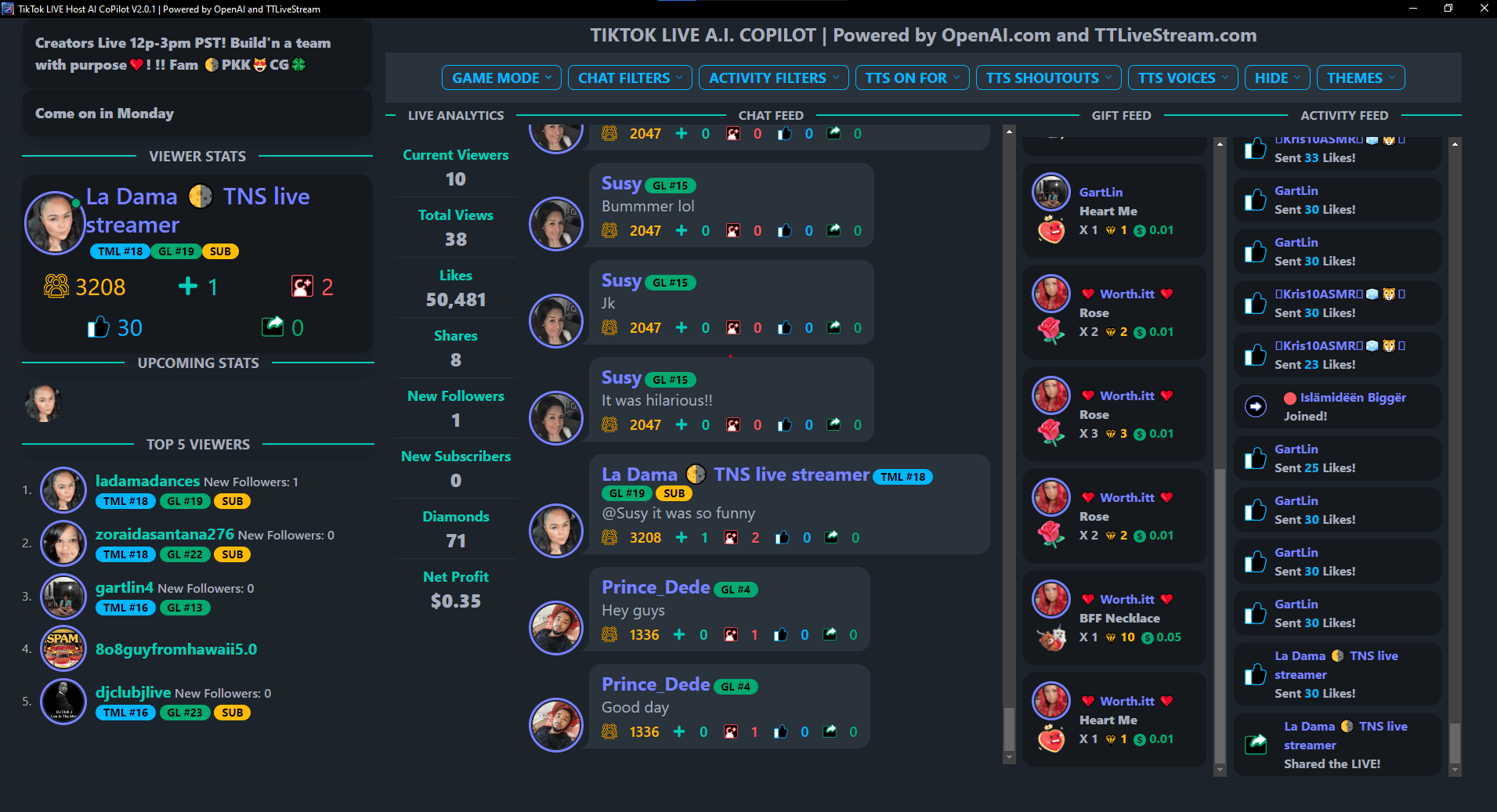
Early Bird Launch!
After 6 Months of Beta and Feature Changes Based on Feedback from all of our LIVE Hosts we are finally launching to the general public!
FAQ
Do I need a computer?
YES! The co-pilot is a DESKTOP application. Currently for WINDOWS ONLY.
MacOS Support, COMING SOON!
Do I need TikTok LIVE STUDIO?
NO. You do not need Live Studio Access.
Can I use it with OBS?
YES! You can use it with OBS but it is not required.
Can I use TikFinity with it?
YES!
How do I download and install the Co-Pilot Software?
After you subscribe you will be directed to a DOWNLOAD SOFTWARE page.
You can also, always download a copy of the software in our DISCORDs Private Channel, for software subscribers.
How do I connect the TTLS Co-Pilot to my TikTok LIVE?
IMPORTANT FIRST STEP!
Start a TikTok LIVE as you normally do BEFORE following the next step below.
You will simply enter your TikTok @username (NOT YOUR DISPLAY NAME) and eMail Address you used to purchase your subsciption into the TTLS Co-Pilot and click connect. Then thats it! You’re connected!
How do I get support?
You can get support anytime on our DISCORD HERE!
Can I be a member of an agency and still use your software?
YES! You can be in an agency and still use our software. They actually, would love it if you did.
Do I need to be in the United States?
NO! The TTLS Co-Pilot will work anywhere in the world.
If I don't use Discord how do I get support?
You can always get the same relevant support resources here on our website at TTLiveStream.com/Support